 KidCue
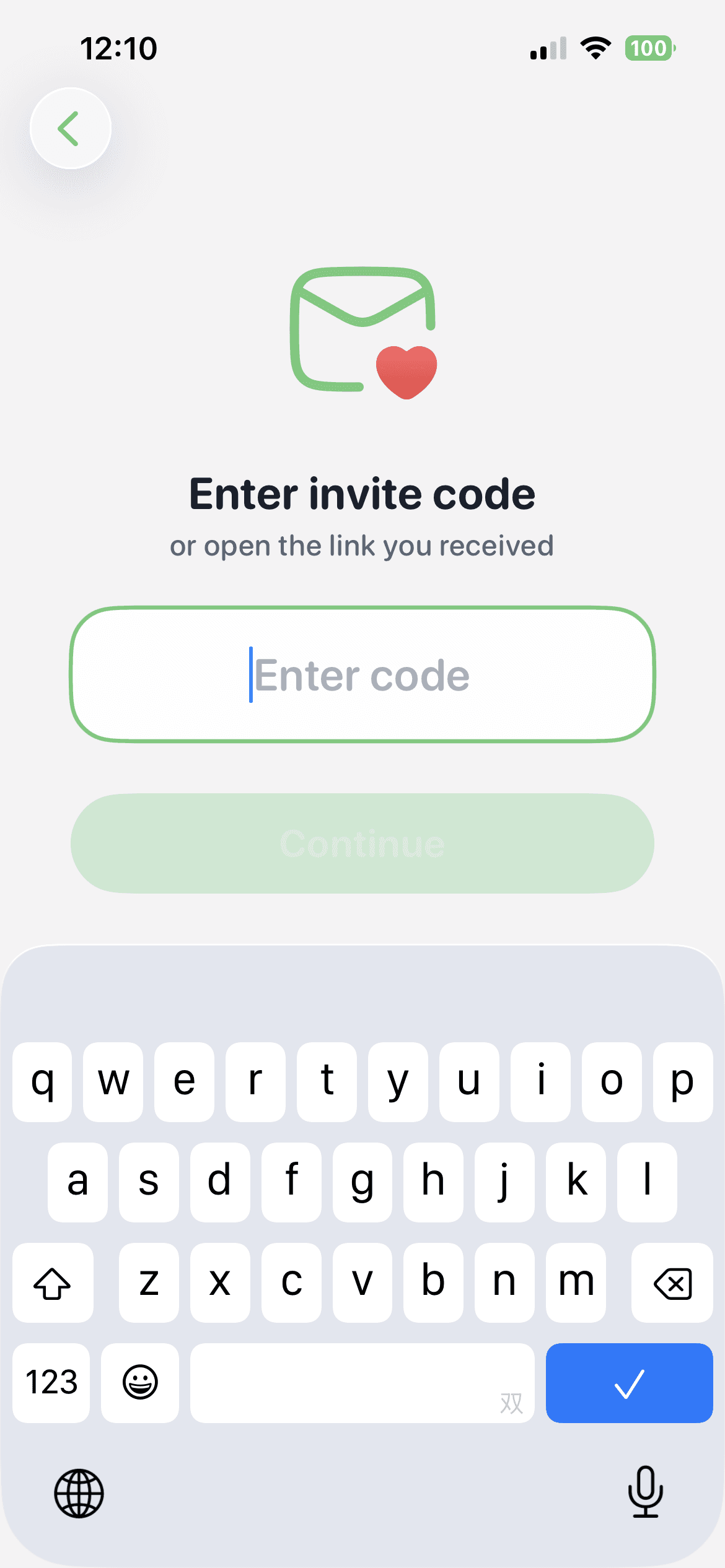
Enter invite code
Most reliable
Tap “Enter Invite Code” and enter the 6-character code.
Best when the link is missing.
Invite code screen
KidCue Invite
Install KidCue first, then join your family in the app.
Download. Open. Join.
Use a code, QR code, or link.
Download KidCue
Open app
Choose a way to join
How to start
The join flow happens inside KidCue.
Download and install KidCue
Start with the iOS download button.
Open the app
Open KidCue and tap the invite entry.
App home screen

Join your family with an invite code, QR code, or invite link
Use the method you already have.
Join options
Use whichever one you already have.
Most reliable
Tap “Enter Invite Code” and enter the 6-character code.
Best when the link is missing.
Invite code screen
Scan with iPhone Camera, then tap “Open in KidCue.”
Best when someone shows you a QR code.
Camera detects QR code

Copy the invite link into your browser, then tap “Open in KidCue.”
Best when the link is easiest to copy.
Open invite link in browser
If the invite link does not open the app directly, use the browser as the handoff.
Copy the invite link into your browser
Tap “Open in KidCue” when it appears
FAQ
Open KidCue first, then tap the invite link again.
Use the invite code inside the app.
Use the invite code or invite link instead.
Ready
Open KidCue first, then choose the easiest way to join.